Before You Hit Print: 7 Artwork Mistakes to Avoid

We’ve all been there — you send your artwork to print, only to realise something’s not quite right… and suddenly your perfect project isn’t looking so perfect.Here’s how to avoid the most common artwork issues and make sure your prints come out looking spot-on every time.
1. Forgetting to Add Bleed
If your design goes right to the edge, you’ll need to add bleed — usually 3mm all the way around. This prevents white edges when your print is trimmed.
2. Low-Resolution Images
Images pulled from the web often look fine on screen but print pixelated. Use high-resolution images (300dpi at actual size) for crisp, professional results.
3. Using RGB Instead of CMYK
RGB is for screens. CMYK is for print. Always convert your artwork to CMYK to get accurate colour reproduction on the final product.
4. Missing Fonts
If you send a file without embedding or outlining the fonts, things can shift or look completely different when opened. Convert text to outlines, or include the font files.
5. Not Checking Spelling
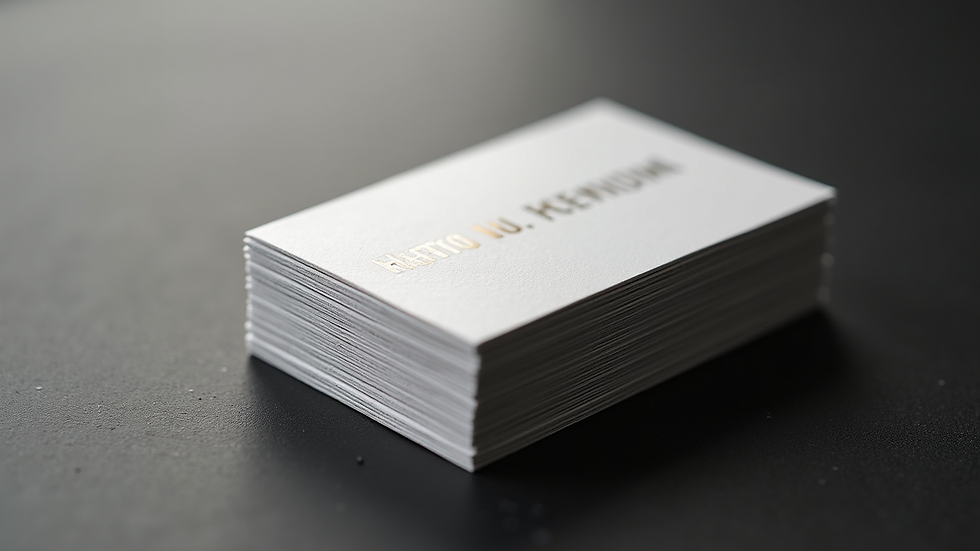
Sounds obvious, but it's an easy one to miss. Typos on business cards or menus can be costly — and embarrassing. Always triple-check.
6. Text Too Close to the Edge
Give your text at least 5mm clearance from the edge. This "safe zone" avoids trimming issues and makes your design easier to read.
7. Not Getting a Proof
Always get a proof before you go ahead with a big print run. We’re happy to provide one — digital or physical — so you can check everything’s perfect.
At Inhouse Design & Print, we don’t just hit 'print' — we help you get your files ready, every step of the way.Need us to check your artwork? Send it over — we’ll make sure it's printed and polished to perfection.

Comments